Show Soi the label
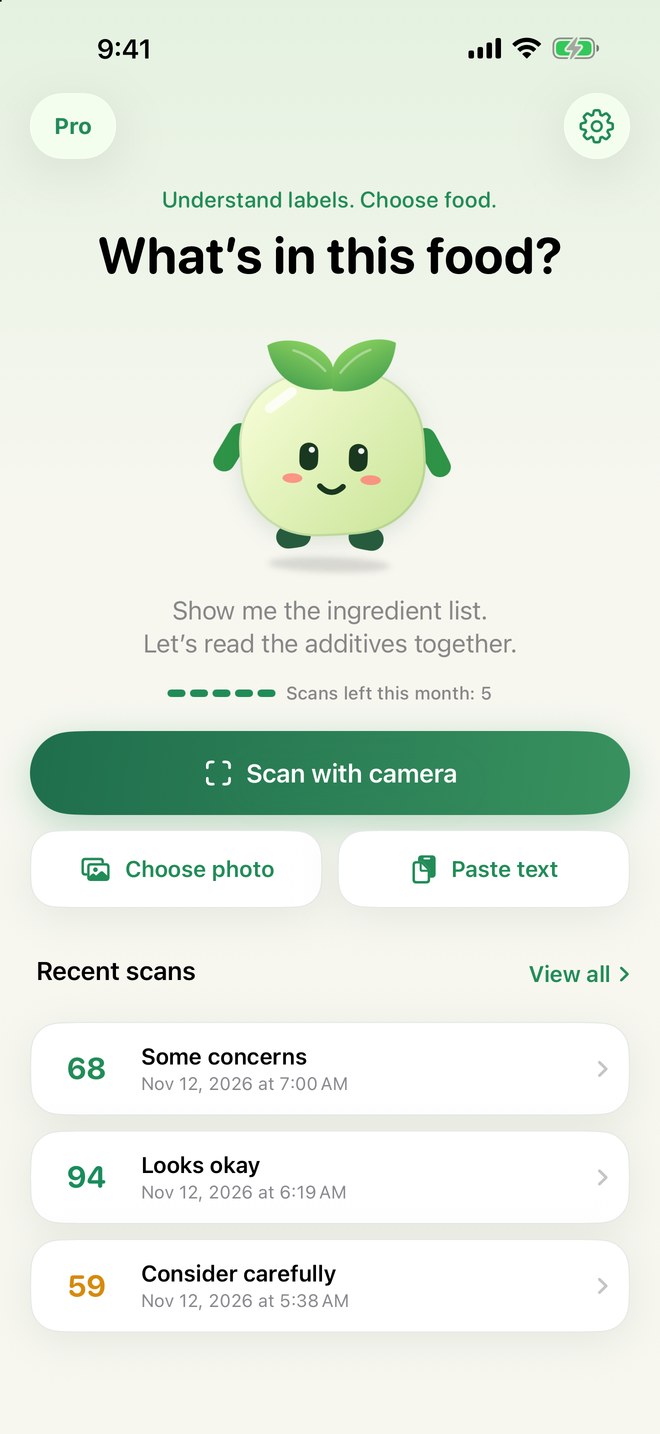
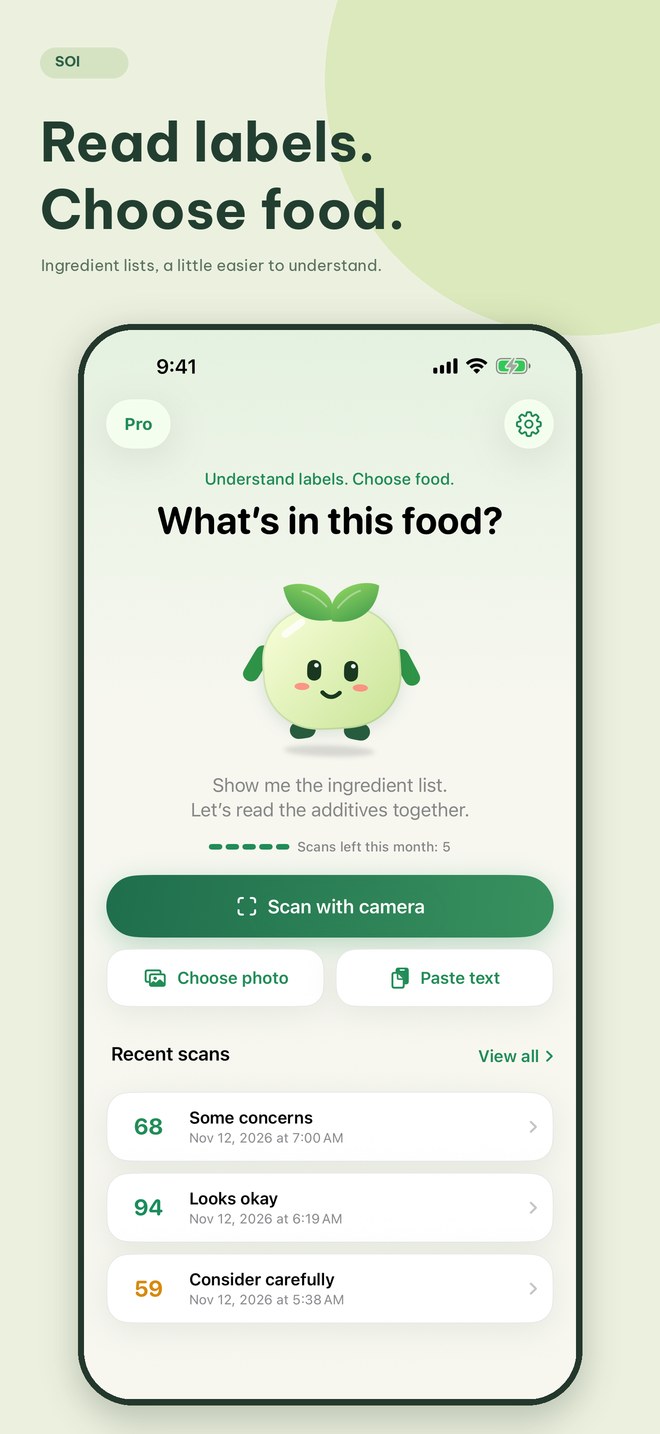
Photograph the full ingredient list, choose an existing photo or paste text you’ve copied.
 SoiUnderstand labels. Choose food.
YOUR LITTLE LABEL-READING FRIEND
Unfamiliar names on the packaging?
There’s an explanation for that.
Take a photo of the ingredient list. Soi identifies additives, explains their functions and points you to the assessment sources. Right on your iPhone.
5 free scans a month · Awaiting App Store review
More than
a number.
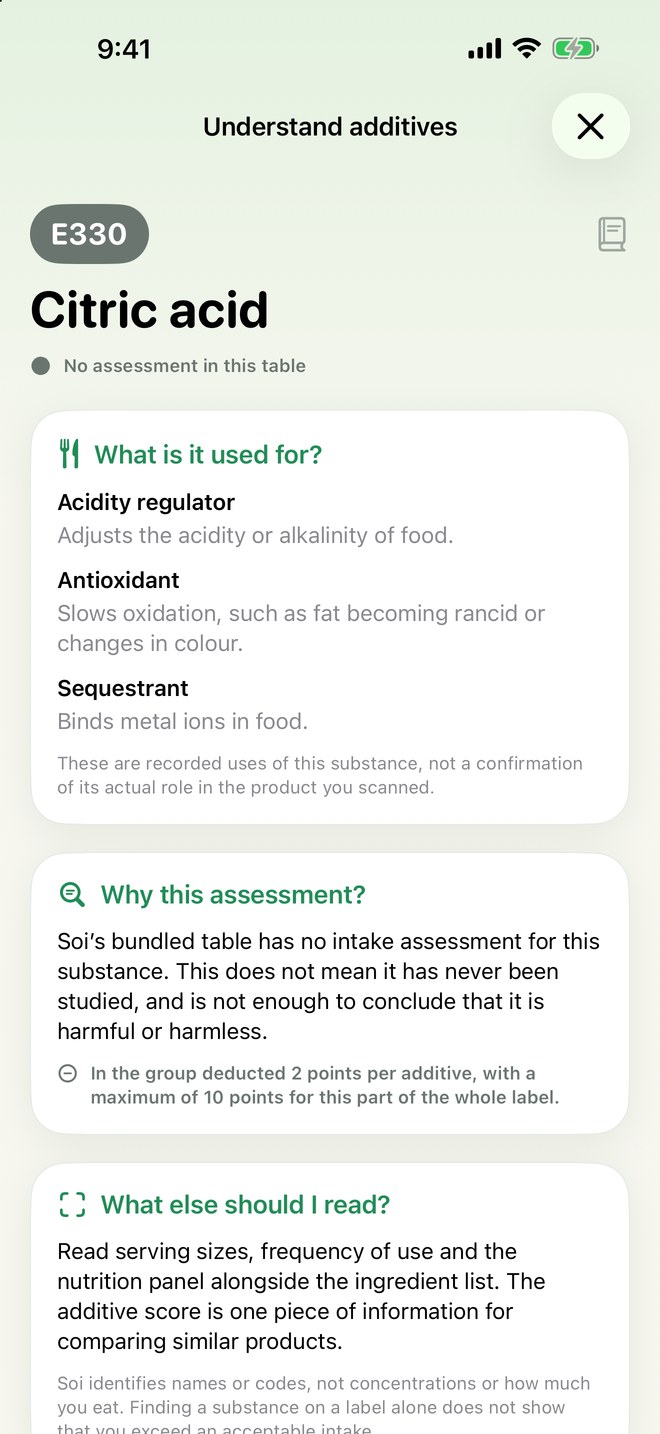
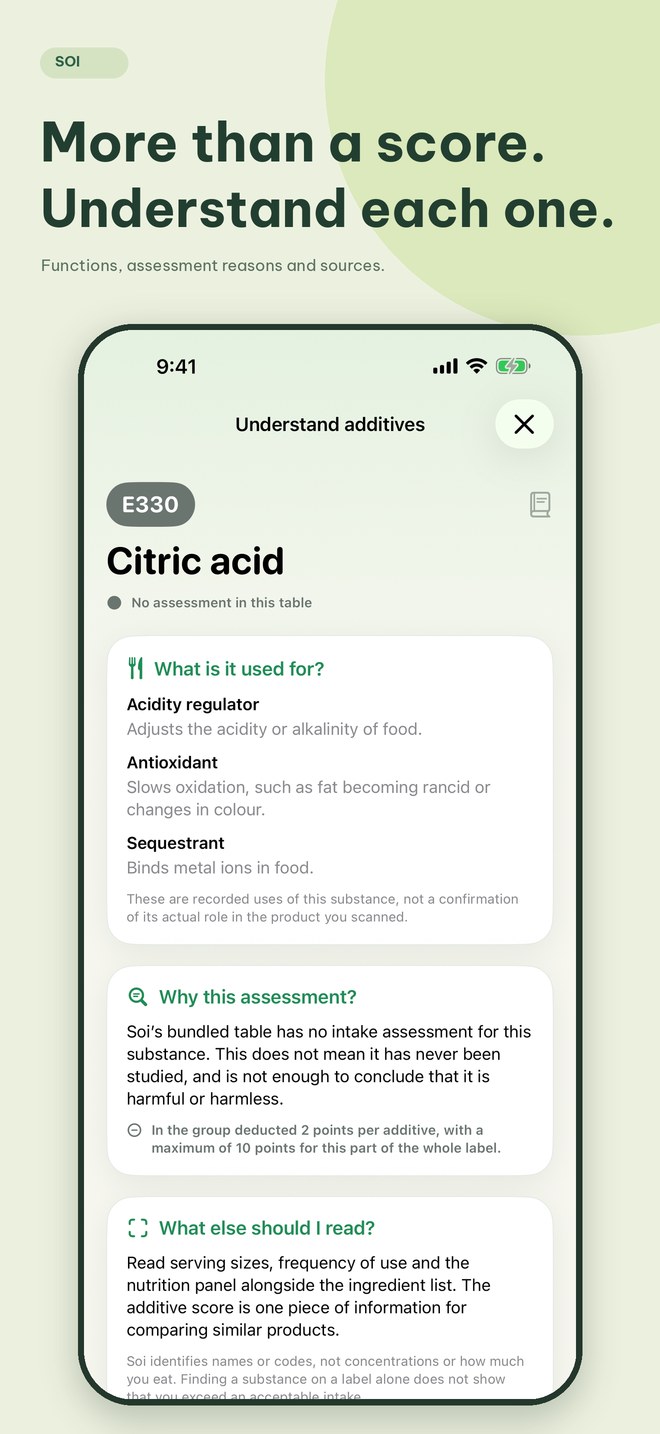
The additive score is a starting point. Tap a substance to explore its functions, the reason for its assessment, the year and the sources.
See how Soi explains itFROM PACKAGING TO EXPLANATION
Photograph the full ingredient list, choose an existing photo or paste text you’ve copied.
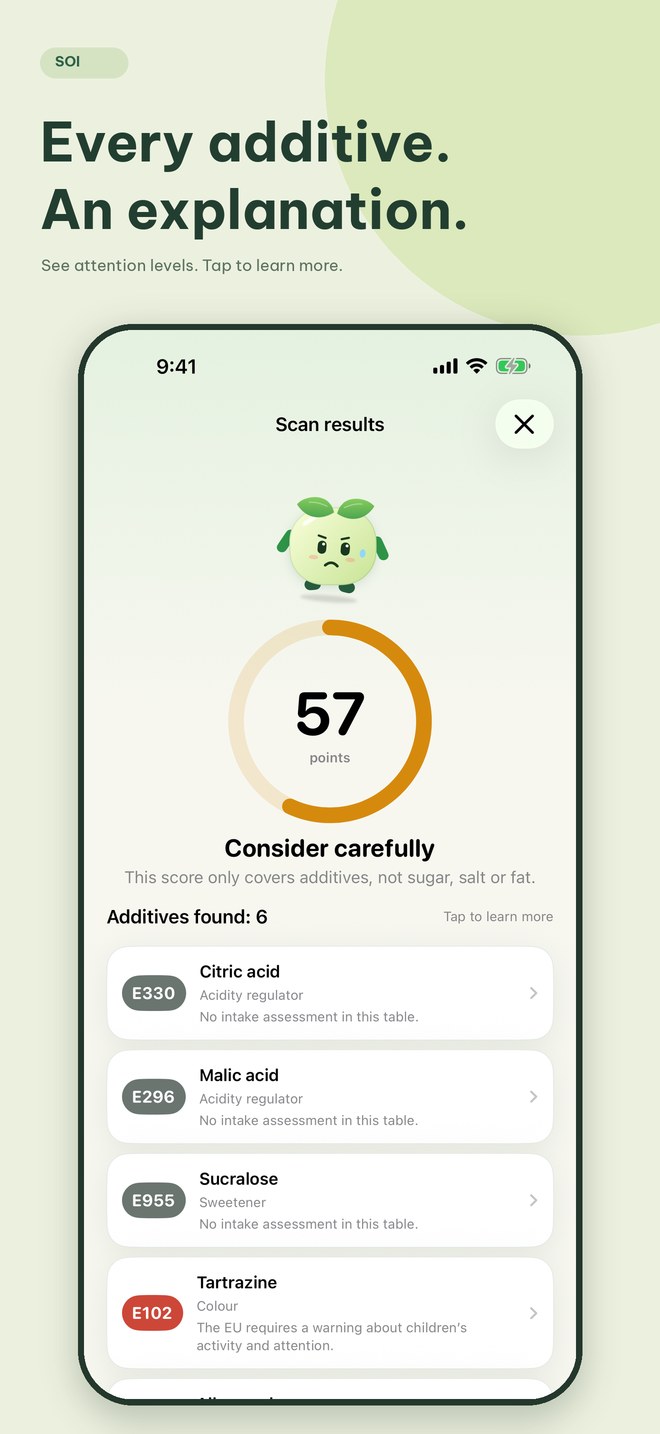
Each additive has a name, a code and an attention level. If a photo is unclear, Soi asks you to try again without using a scan.
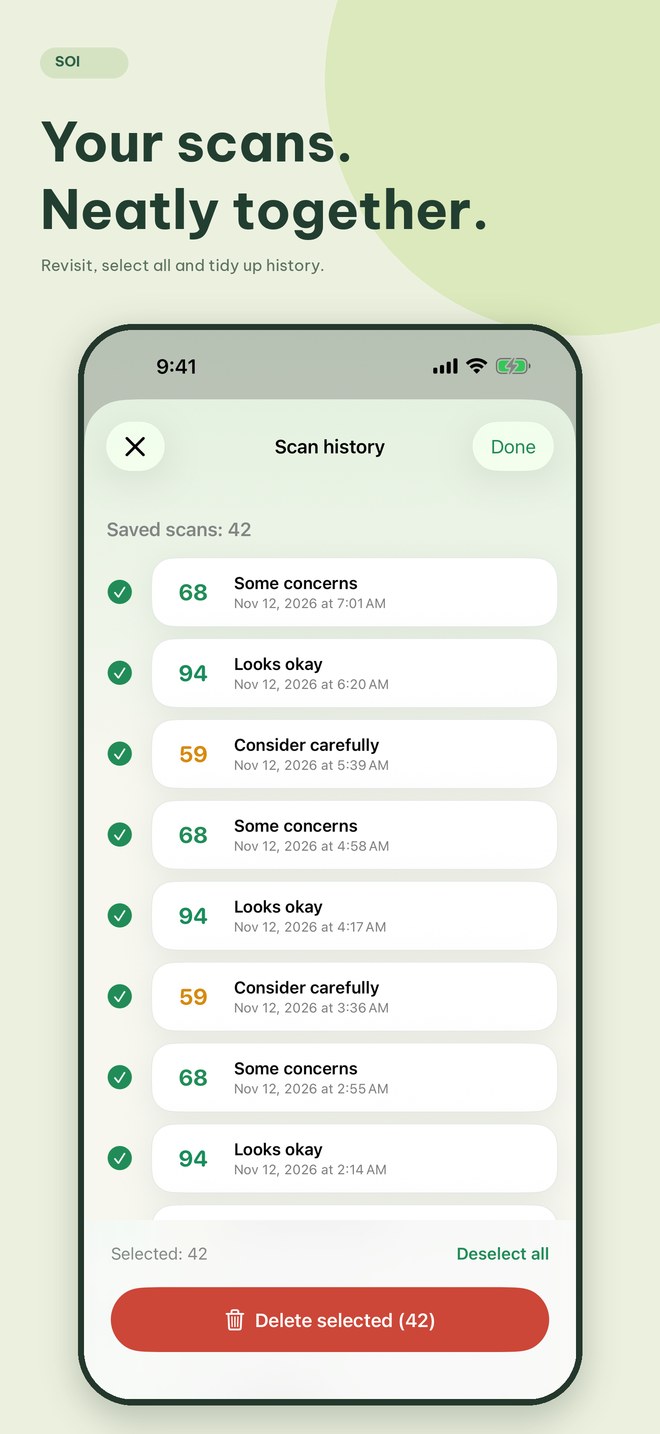
Open each additive to learn more. Revisit your history, check the original label and make your own choice.
READ MORE. UNDERSTAND MORE.
A name.
A function.
A source you can check.
Soi connects E numbers with explanations of their functions, scoring and what the available data does not establish.
It does not account for sugar, salt, fat, additive concentrations or how much you eat. A high score does not mean a product is suitable for everyone.
INSIDE THE APP

YOUR LABEL. YOUR DEVICE.
Photos are recognised with Apple Vision on your iPhone. History stays on your device. Soi has no accounts, ads or tracking tools.
Read the privacy policy ↗START WITH A LITTLE CURIOSITY
SOI
$0
SOI PRO · LIFETIME
Buy once / no monthly renewal
The local price is shown in the App Store before you buy. Restore with the same Apple Account. No recurring subscription.
BEFORE YOUR NEXT SHOP
No. The score summarises additive classifications from the bundled data. It does not assess overall nutrition, concentrations or serving sizes. Soi is for information only, not a substitute for medical advice.
No. Read the full ingredients and allergy warnings on the packaging, and ask the manufacturer or a qualified professional when needed. A substance missing from Soi’s results does not prove it is absent.
Not yet. Some entries lack Vietnamese names or intake assessments. Grey means the table has no assessment; it is not a conclusion that the additive is safe or harmful. Check each substance’s sources and assessment year.
iPhones running iOS 26 or later. Apple Intelligence is not required. Photo recognition and database lookups work offline; purchases, restores and external sources need a connection. The interface supports English and Vietnamese, following your iPhone’s app language.
Home shows your 3 most recent scans. Tap View all, swipe left to delete one or choose Select → Select all to delete several. Soi asks you to confirm before deleting.
NEXT TIME YOU PICK UP A LABEL...
Awaiting Apple review. The download link becomes available after release.